Concepts you'll meet on day one
For: all
Tier: free+
Time: ~8 min
Why you'd do this
Three concepts shape what the dashboard shows you and how it scores your project: your operator role under EU AI Act Art. 3, the risk classification of the AI system, and the evidence types we accept. Without these, the per-article views look arbitrary.
Before you start
- Skim the chapter top-to-bottom — you don't need to memorise the tables; knowing they exist is enough
- If you only have 2 minutes, read sections 1 and 4 (operator role + evidence types) — those are the highest-leverage
Step 1
Operator roles (Art. 3)
EU AI Act assigns obligations by your role in the AI system's value chain, not by your company size or industry. There are six roles, and the same legal entity can hold more than one for different products:
| Role | Definition | Typical signals | |---|---|---| | Provider (Art. 3(3)) | Develops the AI system or has it developed and places it on the EU market under your name | You ship a model, host an API, train a model that customers use | | Deployer (Art. 3(4)) | Uses an AI system in your own activity | You buy an LLM API and embed it in your product | | Authorised Representative (Art. 3(5)) | A natural or legal person established in the EU mandated by a non-EU Provider to perform their tasks | You're the EU-based legal contact for a US-based AI Provider | | Importer (Art. 3(6)) | Established in the EU, places on the EU market an AI system bearing the name or trademark of a non-EU person | You distribute a foreign AI product in the EU under their name | | Distributor (Art. 3(7)) | Anyone in the supply chain other than Provider/Importer who makes an AI system available on the EU market | You resell or repackage an AI system | | Product Manufacturer (Art. 25(3)) | Integrates AI as a safety component into a physical product placed on the EU market under your name or trademark | You ship machinery, medical devices, toys, lifts, etc. with embedded AI — treated as Provider for those AI systems |
ComplianceLint asks for your role(s) on each repo and uses that to filter which articles apply. A Provider sees ~176 actionable obligations; a Distributor sees ~8 (out of 247 total across 44 articles).
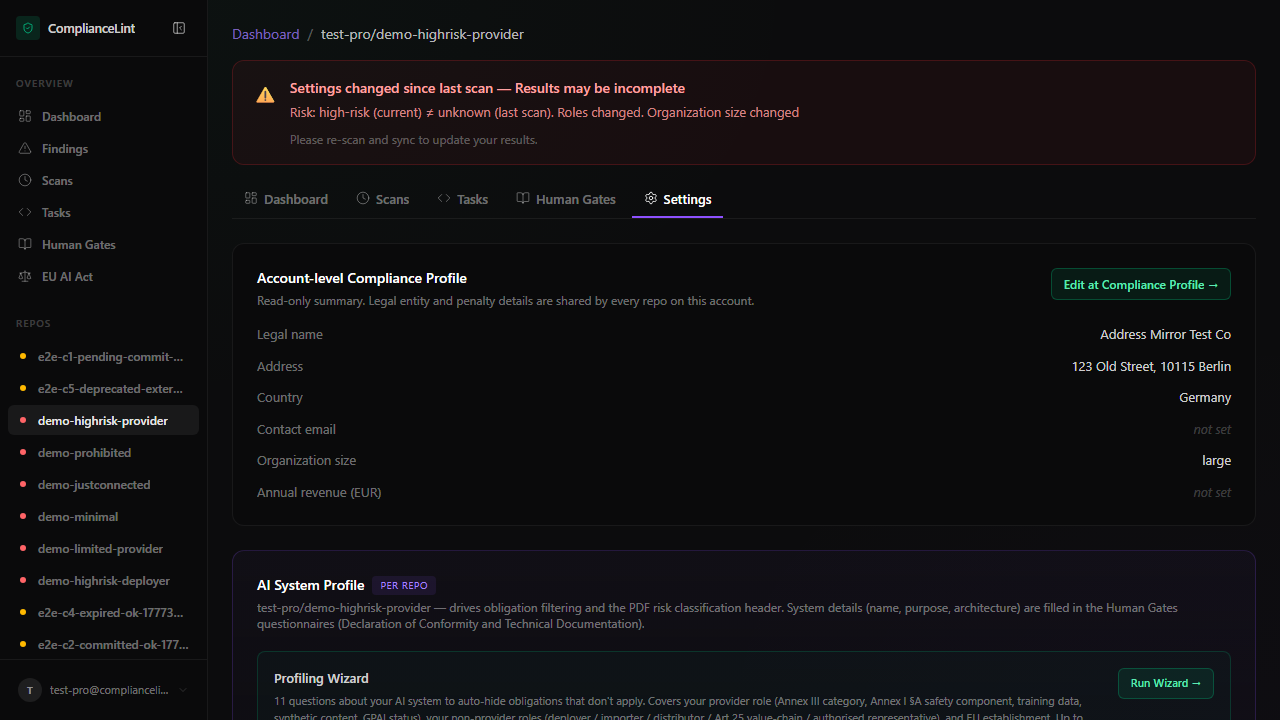
What you'll see: The AI System Profile card in repo settings — multi-select role checkboxes with cite-back to Art. 3 sub-clauses.
Step 2
Risk classification (Art. 5, 6, 50)
Once role is known, the next gate is the AI system's risk band:
- Prohibited (Art. 5) — banned outright. Examples include social scoring by public authorities and untargeted facial-recognition scraping.
- High-risk (Art. 6 + Annex III) — heavy obligations: technical documentation, conformity assessment, post-market monitoring, human oversight, etc. Annex III lists 8 sub-categories (biometrics, critical infrastructure, education, employment, essential services, law enforcement, migration/asylum, justice/democracy).
- Limited-risk (Art. 50) — transparency obligations only (e.g. inform users they're interacting with AI; label deepfakes).
- Minimal-risk — no specific obligations beyond voluntary codes.
The dashboard offers a Risk Classification Guide wizard if you are unsure which band applies. Once set, the per-repo banner shows the maximum penalty (€35 M or 7 % of global turnover for prohibited; €15 M or 3 % for high-risk; €7.5 M or 1 % for transparency lapses).
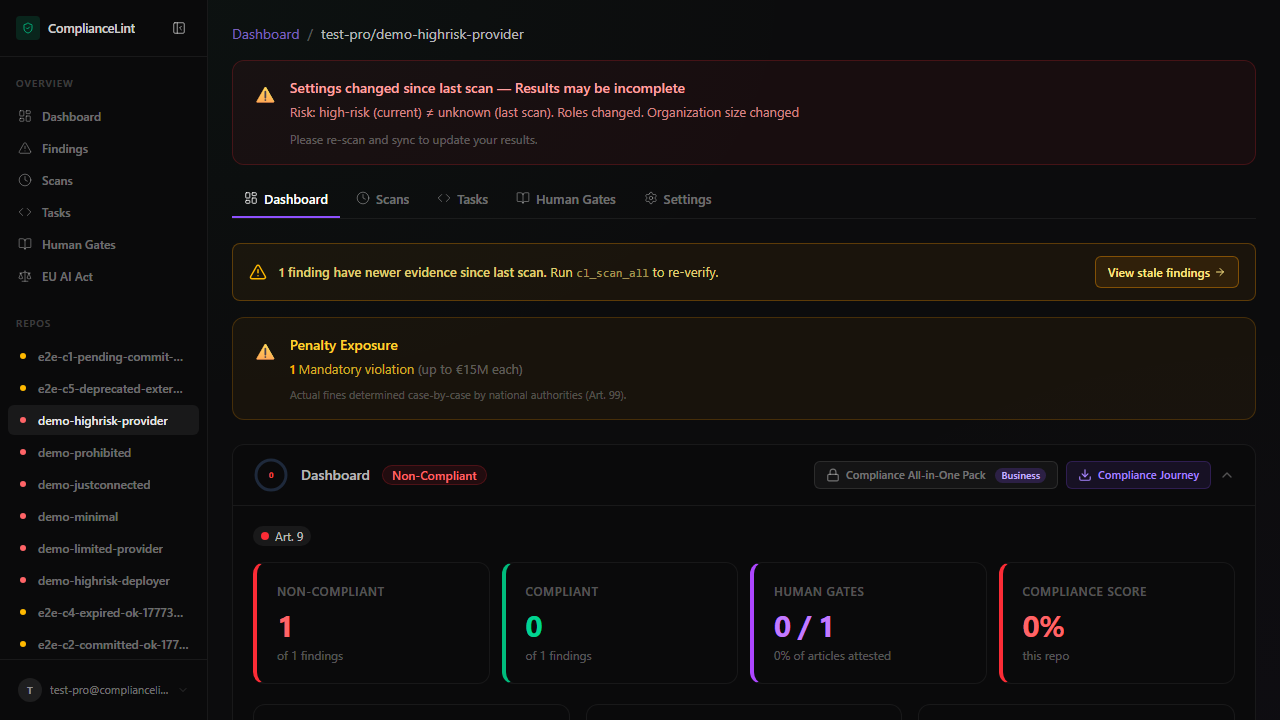
What you'll see: The repo overview banner — risk badge (red/amber/grey) plus the max-penalty pill underneath the score ring.
Step 3
Organisation size (Art. 99(6))
Penalty calculation differs for small organisations. The dashboard asks for your org size in Compliance Profile:
- SME — penalty is
min(fixed cap, revenue × percentage)(the lower of the two — protective) - Large — penalty is
max(fixed cap, revenue × percentage)(the higher of the two — punitive)
If you don't fill in annual revenue, the dashboard shows the worst-case fixed cap only (Free tier behaviour). Starter+ unlocks precise calculation once revenue is supplied.
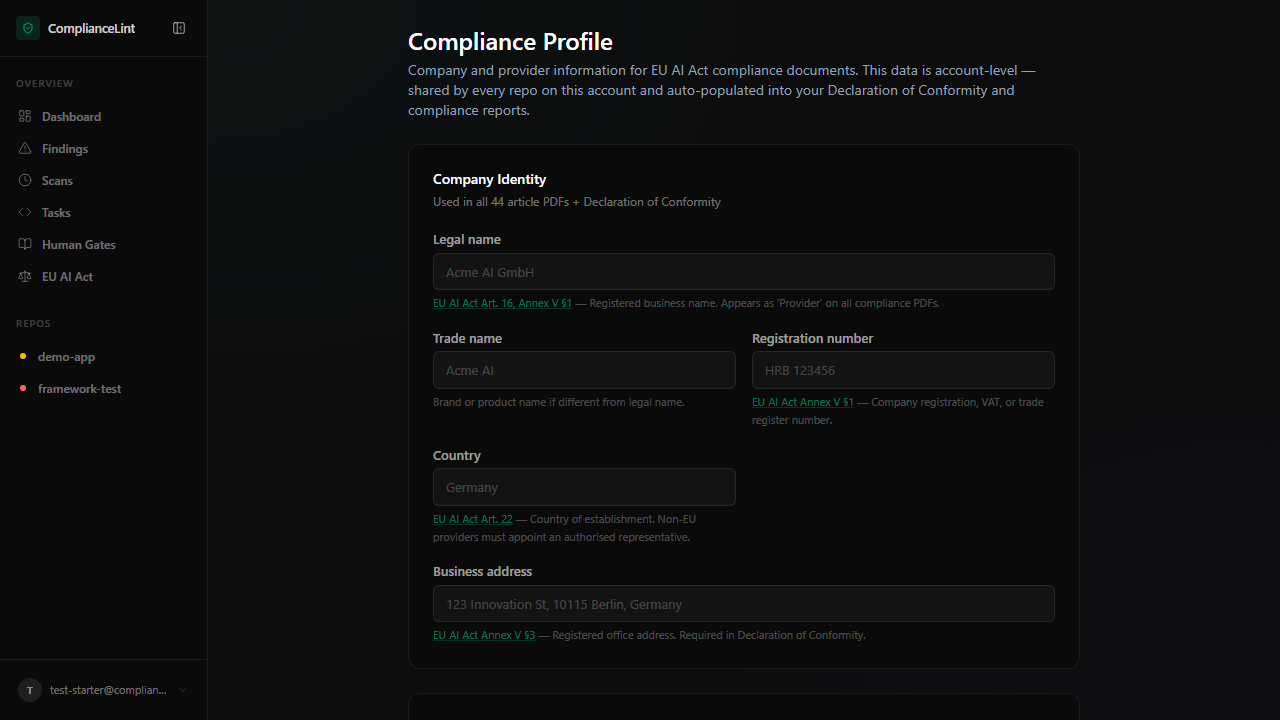
What you'll see: Penalty configuration section — radio buttons for SME/Large + annual-revenue input. Free tier sees this disabled with an upgrade hint.
Step 4
Evidence types (v4 model)
Whenever the dashboard wants you to demonstrate compliance for an obligation, it accepts one of four evidence kinds:
| Type | What it is | Where it lives |
|---|---|---|
| Text attestation | Free-text written into the dashboard form | Dashboard DB only |
| External reference | Link to a doc you host elsewhere (GitHub issue, Drive, Confluence) | Just a URL, we don't fetch the content |
| Found by scan | A file path the scanner detected during a scan (e.g. docs/risk_assessment.md) | Already in your repo |
| Repo file upload | A file you upload via the dashboard which we relay into your git repo | Your repo's .compliancelint/evidence/ after the next sync |
Note: ComplianceLint never holds your evidence files long-term. Uploaded bytes are relayed and committed to your repo, then forgotten from our side. This is a hard architectural rule.
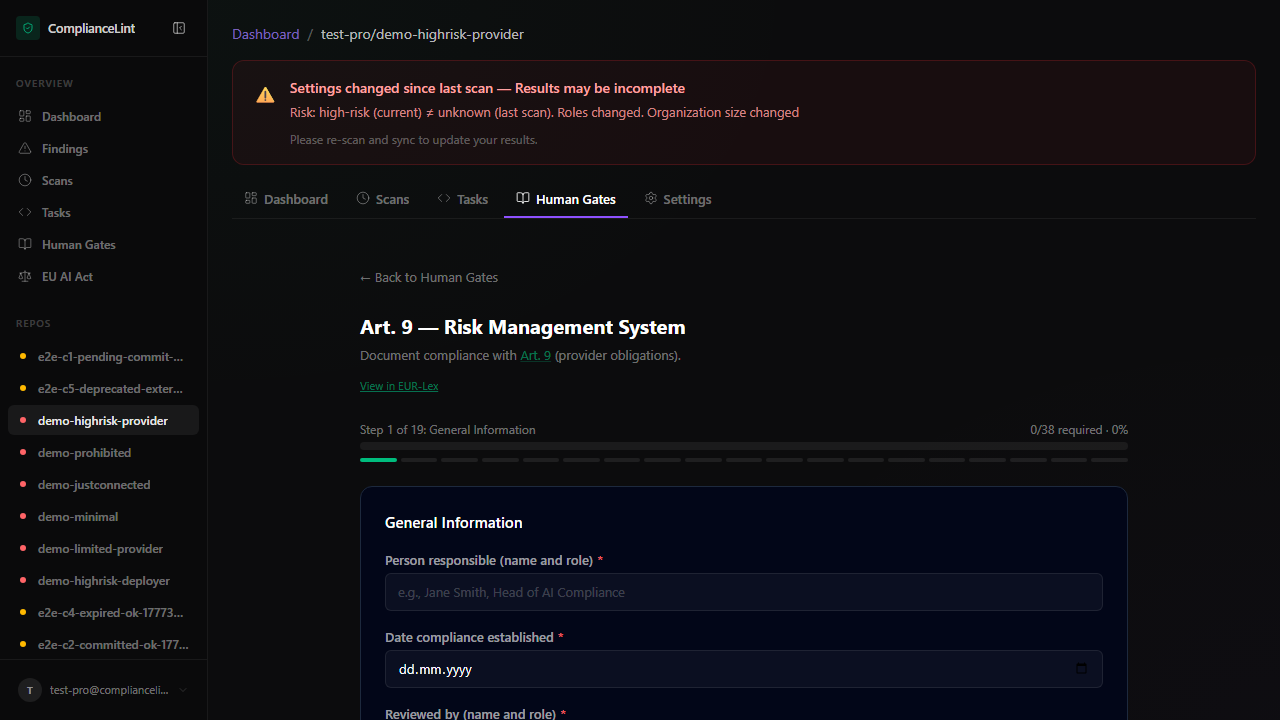
What you'll see: An obligation card with the Add evidence picker — four tabs matching the four types. Different tier gates apply to which tabs are enabled (see chapter 19 Evidence references and chapter 20 Evidence file upload).
Step 5
Applicability — why so many obligations are NOT_APPLICABLE
The full obligation set is 247 items across 44 articles. 244 are baseline-applicable — the 3-item gap is the Commission / AI-Office / notified-body addressees that no end-user project ever owns. For most projects, only ~30-80 of the 244 actually apply. The rest are auto-marked NOT_APPLICABLE based on profile signals:
- Not a GPAI? → 12 GPAI obligations skipped
- Not training your own model? → 10 Art. 10 data-governance items skipped
- Not generating synthetic media? → 3 Art. 50 deepfake items skipped
- Not an SME? → 1 SME-specific Art. 11 form skipped
- Not an Annex I product? → 1 single-doc Art. 11 path skipped
These signals are collected by the Profiling Wizard (Starter+, see chapter 17). Free-tier users see all 244 baseline obligations as worst-case; paid tiers get the filtered view.
What you'll see: Conceptual — no specific UI screen. The effect is visible in the obligation count on the repo overview before vs after running the Profiling Wizard.
Related
Last updated: 2026-08-11